Feature:
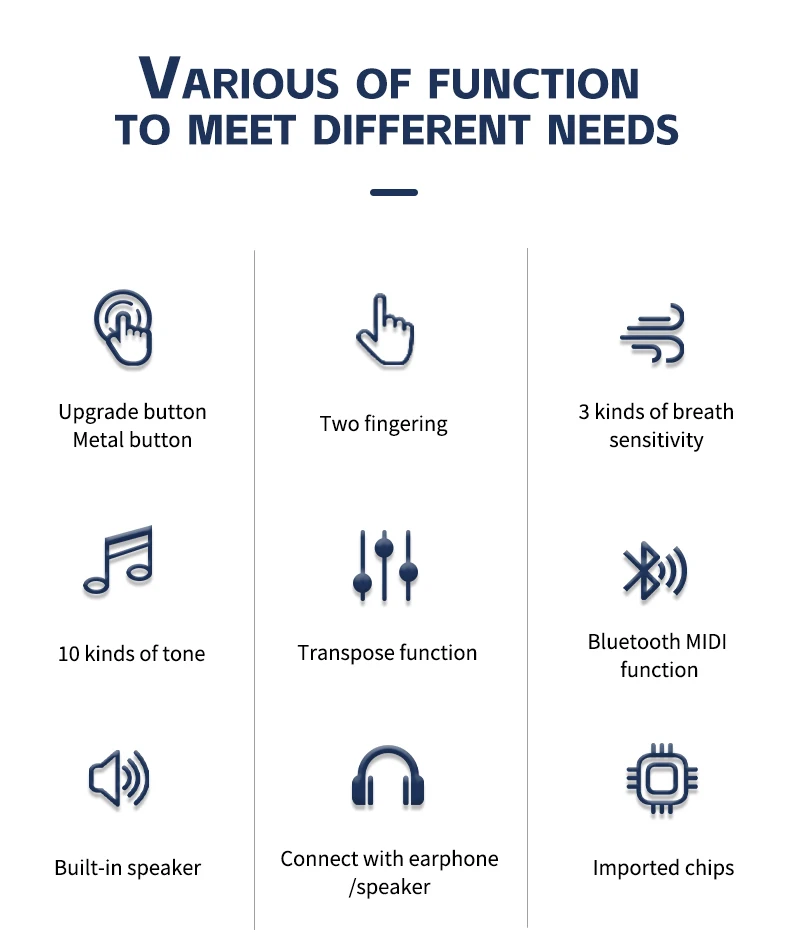
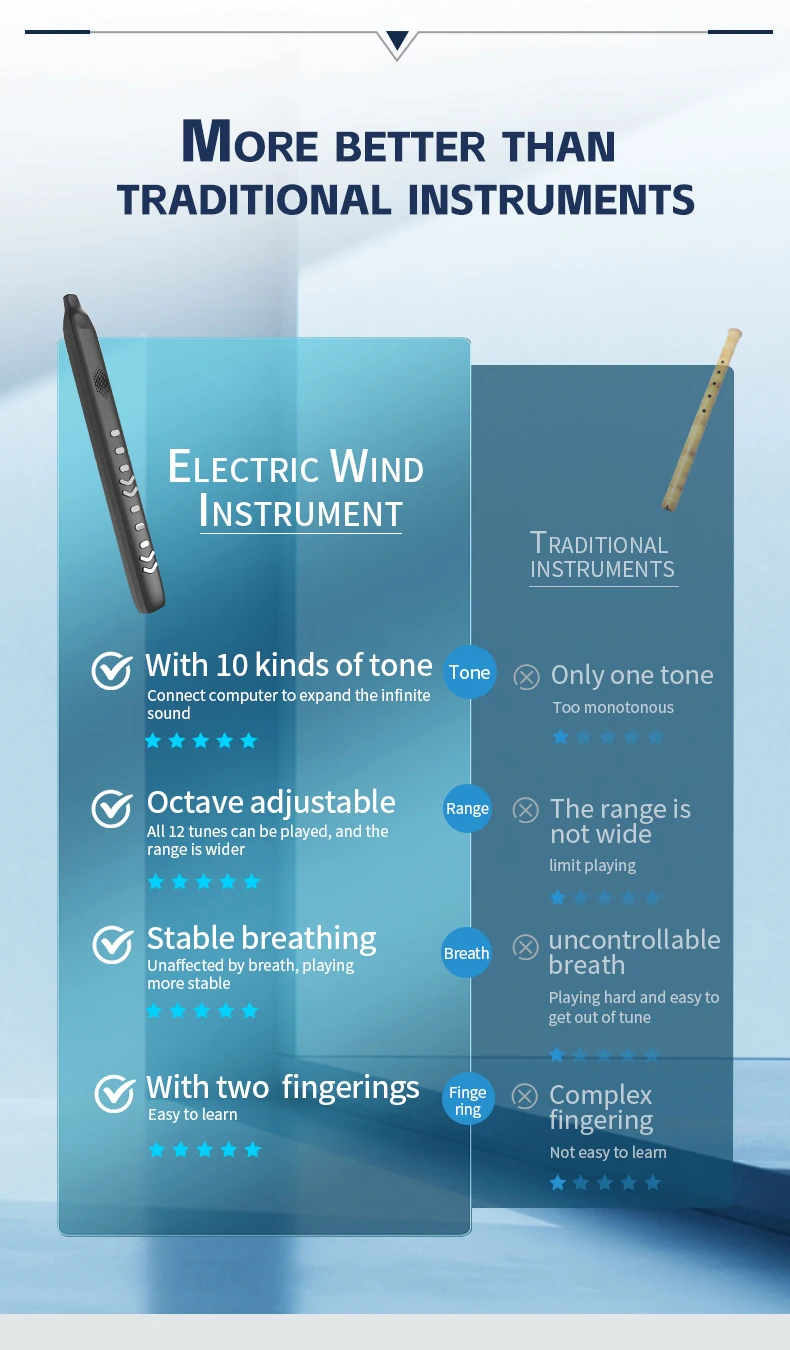
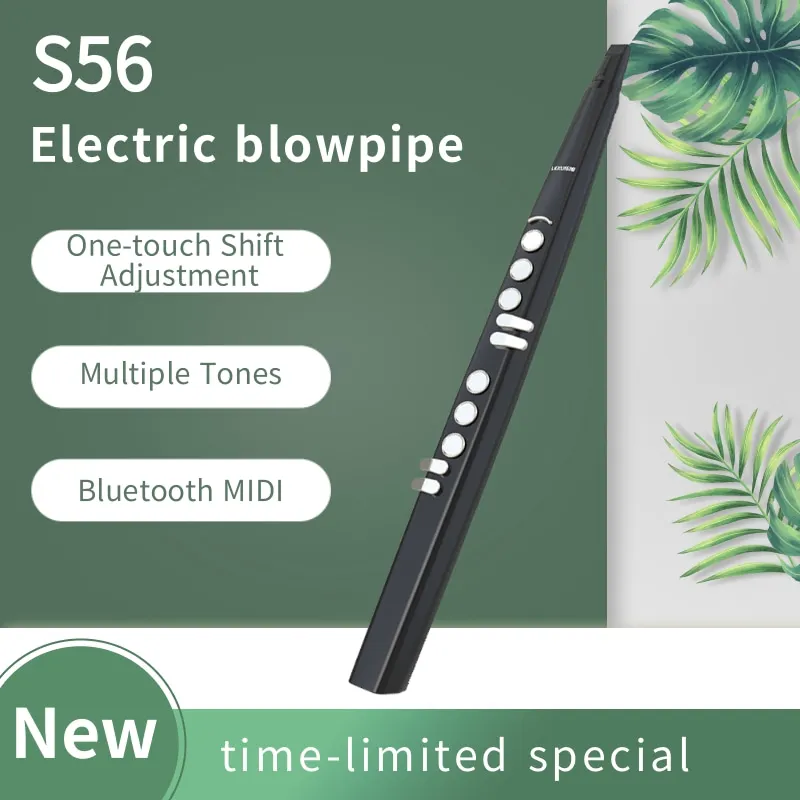
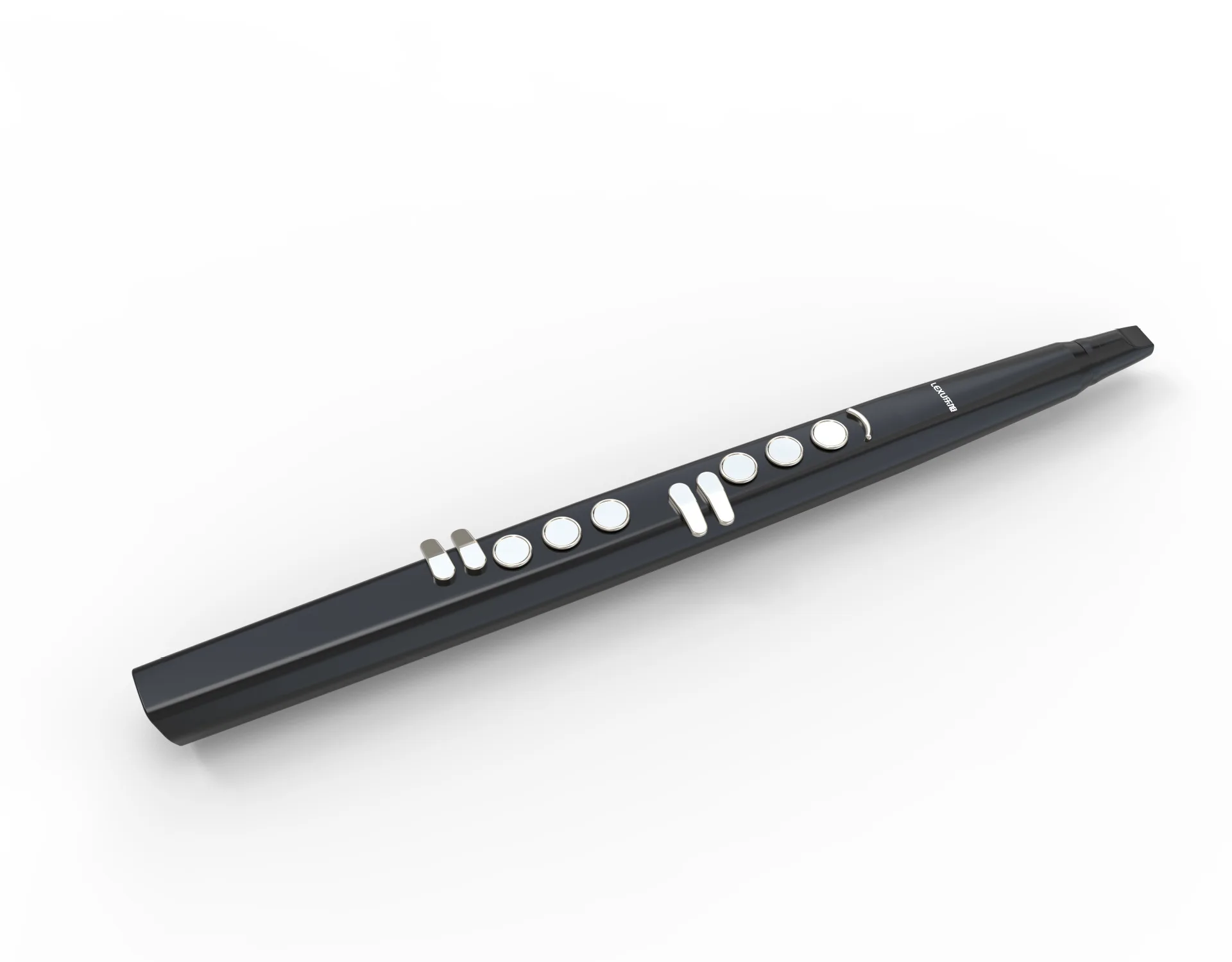
1. Suitable for All Ages: This MIDI electronic flute is designed to be compact and stylish, making it suitable for all age groups. Its portable nature allows for easy transportation and convenient use.
2. LED Display and Detachable Mouthpiece: The electronic wind instrument is equipped with LED display and detachable mouthpiece offers easy cleaning and maintenance.
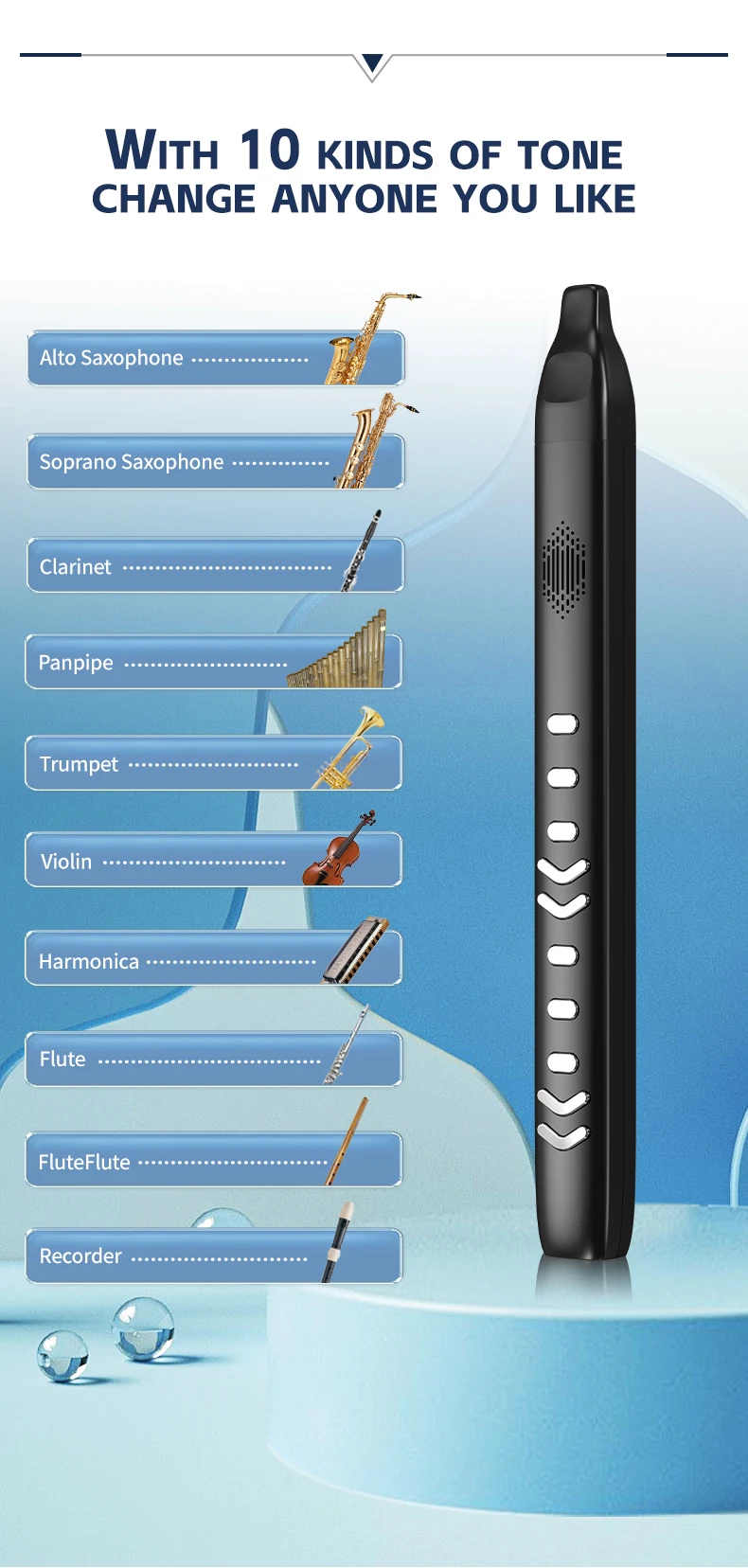
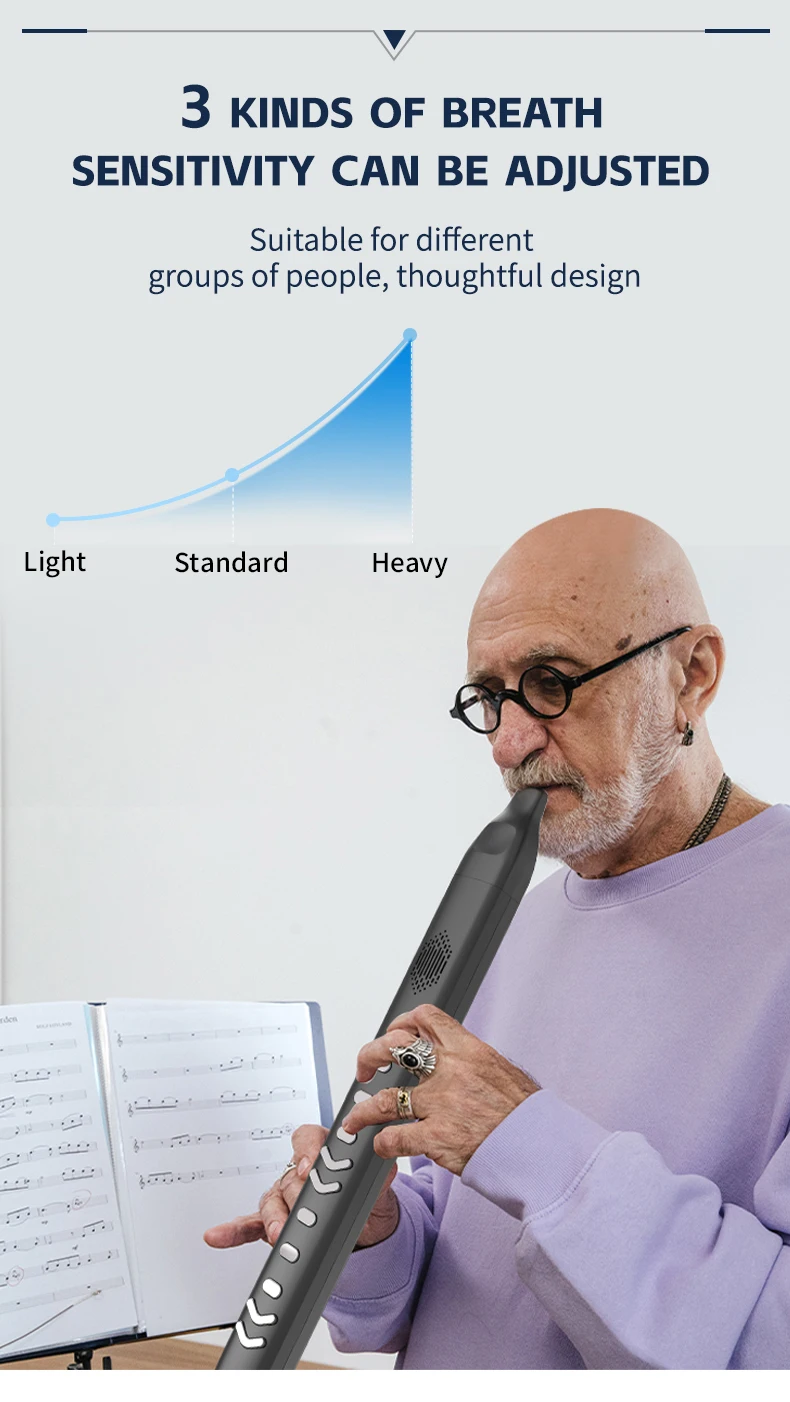
3. Built-in 13 Tones and Dual-tone Functionality: With 13 built-in tones, including a dual-tone feature, this electronic saxophone offers a wide range of musical options. It also features pitch adjustment keys, allowing for versatility in playing styles (saxophone/flute). Additionally, the flute offers 15 levels of adjustable breath sensitivity and a transposition function (-6+6), catering to various playing preferences.
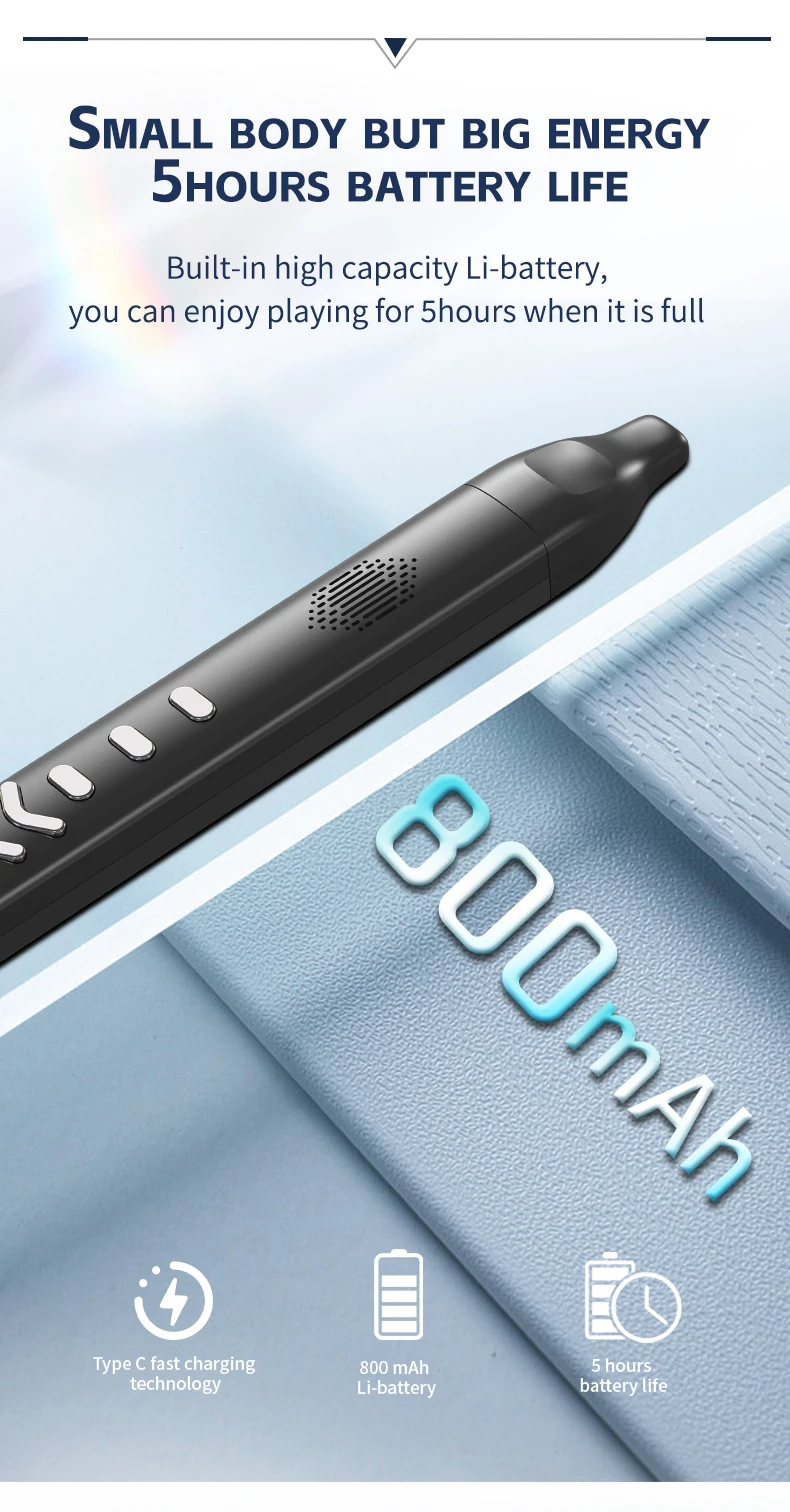
4. Support for External Speakers and Headphones: This electronic wind instrument supports external speakers and headphones, providing flexibility in audio output. Powered by a rechargeable lithium battery, it offers extended playtime while also featuring a power-saving mode that automatically shuts off after 10 minutes of inactivity.
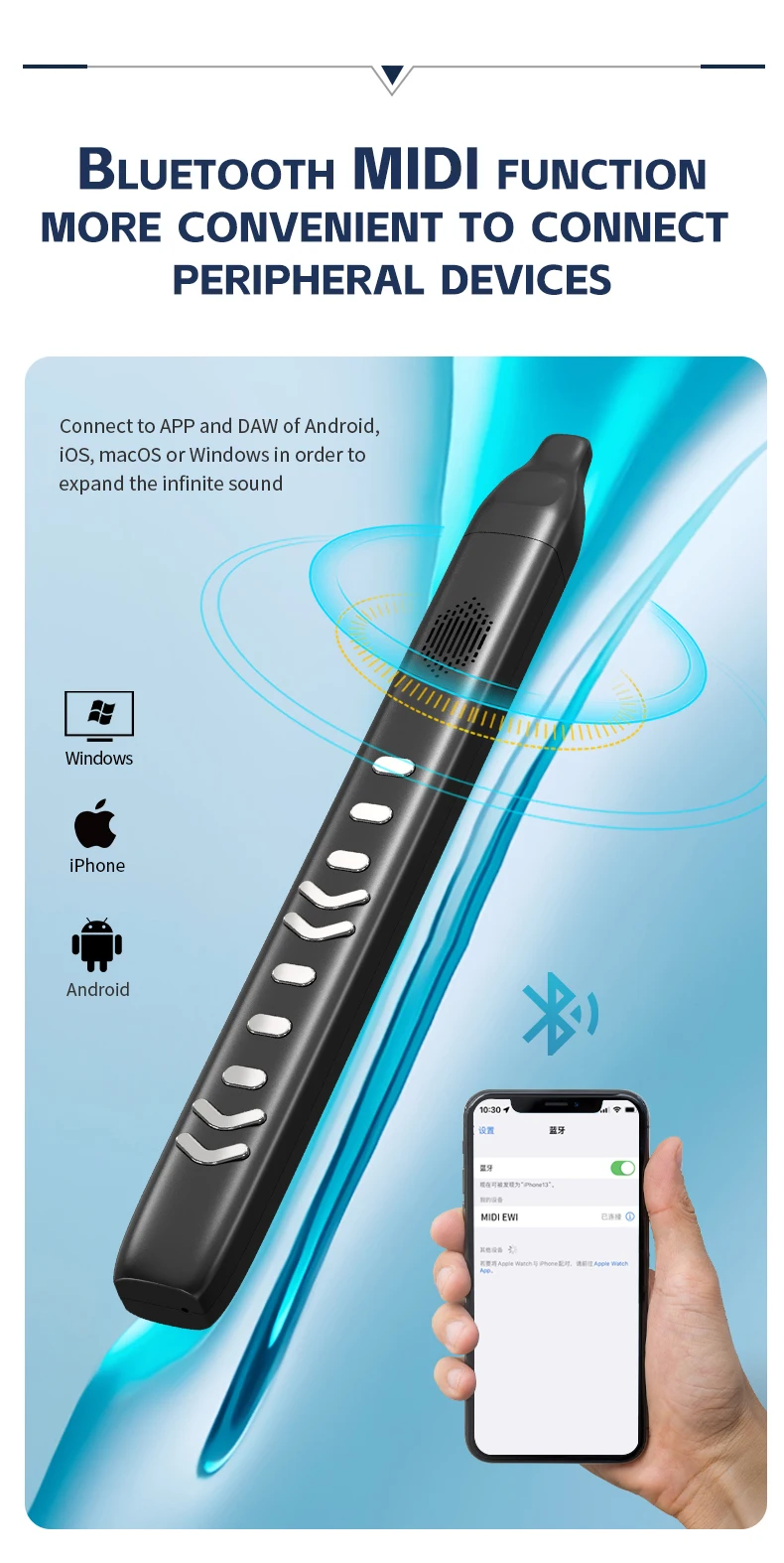
5. MIDI Output and Bluetooth-compatible Connectivity: With MIDI output capabilities, this electronic flute can be connected to computers or tablets for expanded functionality. Moreover, it supports wireless Bluetooth-compatible connectivity to for Apple devices such as for iPhones or for iPads, allowing seamless connection to learning apps and resources.
Specification:
Origin: Mainland China
Model Number: Electronic Wind Instrument
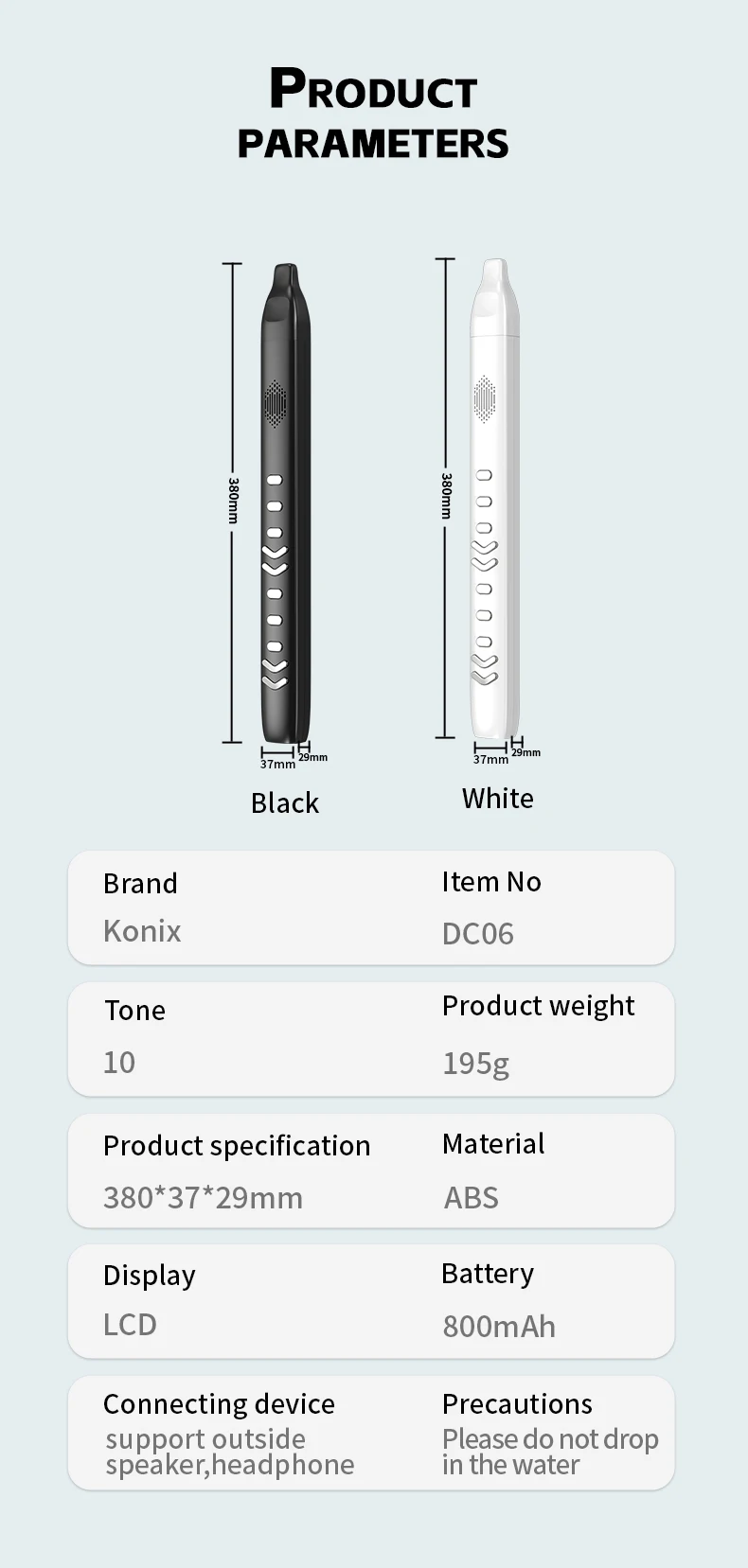
Color: Black
Material: ABS electroplating button
Product size: 451 * 43.3 * 32mm/17.76 x 1.70 x 1.26in
Battery: 800mAh/3.7V
Packing list: electric hair dryer * 1 replaceable mouthpiece * 2 storage bag * 1 power * 1 instructions * 1
Note:
Due to the different monitor and light effect, the actual color of the item might be slightly different from the color showed on the pictures. Thank you!
Please allow 1-2cm measuring deviation due to manual measurement.
Tone display
How to use
1. Put the included removable silicone mouthpiece on the mouthpiece
2, short press the power switch to switch on, short press the power off
3. Use the volume keys to adjust to the appropriate volume: 00-15 adjustable, 00 level off the sound, 15 level maximum volume 4. Connect headphones after the speaker will automatically mute, can also be connected to an external stereo sound more stereoscopic
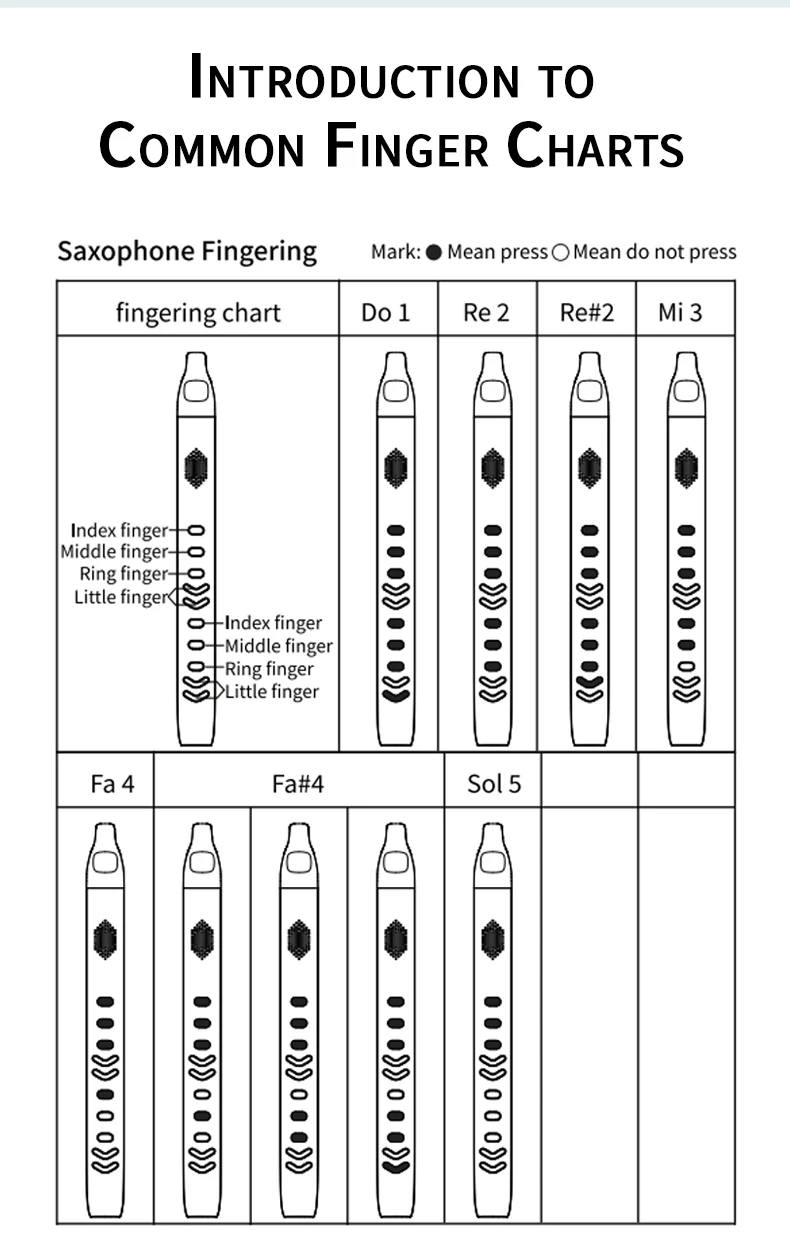
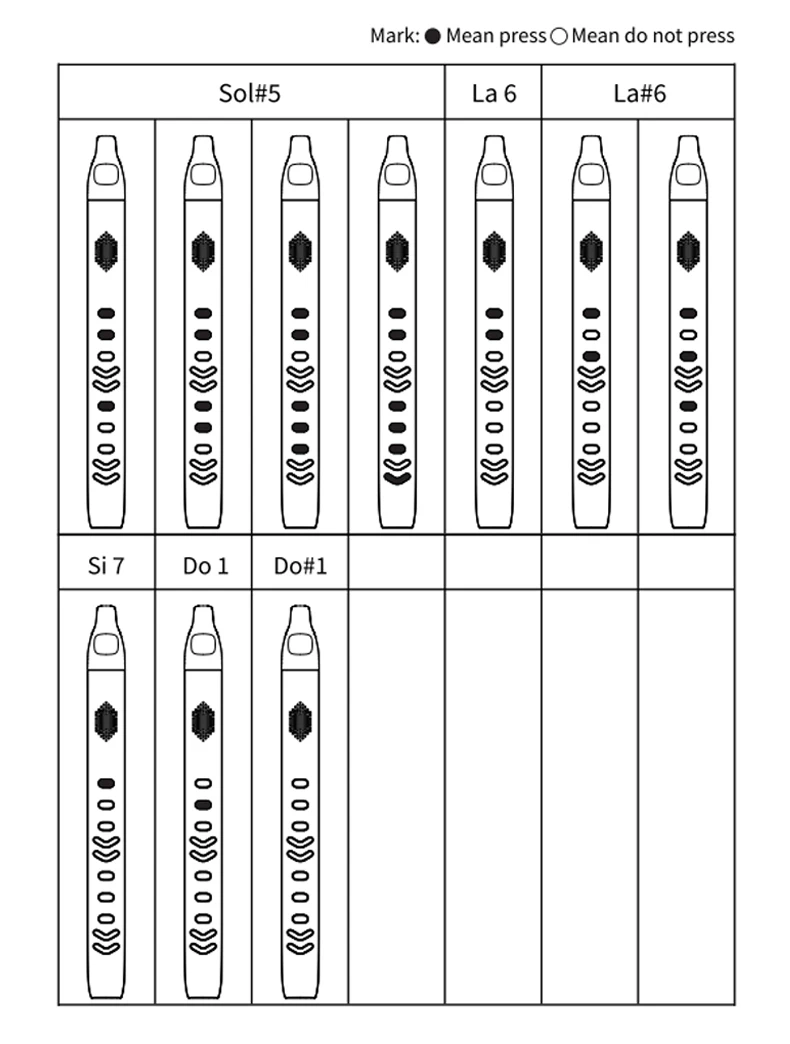
5, according to the correct fingering can play
6, high and low octave switching: do not press the high and low octave switching key (C3): any single high and low octave switching key (C4); press the two high and low octave switching key (C5)
7、Press the tone key and then use the function adjustment key to select 13 kinds of tones.
8、Press the blowing key and then use the function adjustment key to adjust the blowing sensitivity of 15 levels.
9, press the fingering key after the use of function keys to switch between two kinds of fingering: 1. sub fingering 2. electric sa fingering 10, press the shift key after the use of function keys can be shifted up or down 6 semitones
11、Press the reset key to restore the default mode
13 Bluetooth MIDI function (only applies to the version with Bluetooth MIDI) through Bluetooth can be connected wirelessly to the Apple mobile phone or ipad on the windpipe learning APP such as the library band playing and singing it and the perfect piano and other professional version of the APP, the specific connection (to the library band as an example): in the Apple mobile phone or tablet to download the library band software to open the software, select the top right “! Settings” icon to enter the section select Advanced “, select Bluetooth MIDI devices, Bluetooth MIDI devices in the selection of GZUT-NIDI, click to connect to the normal use of (if the connection does not appear, please restart the hairpipe)
14, bluetooth audio function (only applies to the version with bluetooth audio) bluetooth function is automatically turned on after power on and there is a tone, bluetooth has been turned on waiting to connect to the mobile phone to play backing tracks or music, the mobile phone searches for the GZUT-NUSIC to connect to the connection is successful there is a tone volume up or down or the music selection needs to be carried out on the mobile phone
15、USBMIDI function
1, the product’s USB-C interface and the computer’s USB interface connection between the two transmission of MIDI numbers 2, the use of USB data transfer function, you need to complete the following operations: * the use of standard USB-C cable to connect the computer’s USB interface and the product’s USB interface * support for the WINXP / WIN7 / WIN &and MacoSX systems drive-free support Hot-swappable: Compatible with Sonar, Curbase, Nuendo, Ezdrummer and all other major sequencers and VST/VSTli plug-ins Support for various MIDI software for computers and tablets.
Precautionary note
I:
“_” and “+” correspond to keys 1 and 2 respectively.
It is possible to change the product parameters and use them in conjunction with the other navigation buttons on the panel.
II:
one corresponds to key 3.
1、Press the Tone key, “to” will be displayed, and then the tone number will be displayed.
2、Tone interface is the main interface, press +, – key to switch tone: 00~13 cycle switching.
3, see the attached timbre table
III:
Volume corresponds to the key 4
1、Press volume key, display “VL”, then display volume level: 0~15
2、Press the + and – keys, the volume can be selected from 0 to 15, and the default level is 12.
IV:
Finger Corresponding to key 5
1、Including two kinds of fingering: F1 flute fingering, F2 saxophone fingering.
2、Press the fingering key to show the current fingering, then press to switch fingering ……
3, 2 kinds of fingering see attached file fingering table
V:
low corresponds to key 6.
1、Press the Blow key to switch 2 menus S1 and S2 alternately
2, S1 indicates the blowing strength (blowing threshold), 00 ~ 15, 00 level threshold is the lowest, the easiest to blow; 15 level threshold is the highest, the most difficult to blow.
3, S2 indicates the sensitivity (blowing sensitivity), 00 ~ 15, 00 level sensitivity is the lowest, the range of the widest breath change is not easy to react to the sound changes; 15 level sensitivity is the highest, the range is the narrowest, the breath change is the easiest to react to the sound changes.
Press the + and – keys to select from 0 to 15.
VI
Shift Pitch Corresponding to key 7
1、Press Pitch, display “Pc”, and then display the key number:-6~6. 2、Press +, – key, the pitch shift can be selected from -6 to 6, the default is 0.
VII
Dual Tone Dual corresponds to key 8.
1、Press Dual Tone key to open Dual Tone function, display “dU”.
2. The default superimposed tone is tone 9.
3. Press the + or – key to change the superimposed tone.
4、Press the Dual Tone key again to close the Dual Tone function, and “OF” will be displayed. 8、Reset Corresponding to Key 9
VIII
Reset Corresponding to Key 9
1、Press the reset key, the display will show “rS”, and all data will be restored to the initial state.
IX:
Switch On/Off
Press the On/Off key for the first time to switch on; press the On/Off key again to switch off.
Ⅹ:
Soprano octave key switching
The product has a total of three octaves, the hand does not press for the alto octave, press “-“
Hardware Function Diagram

Tone List

Flute fingering


Saxophone fingering

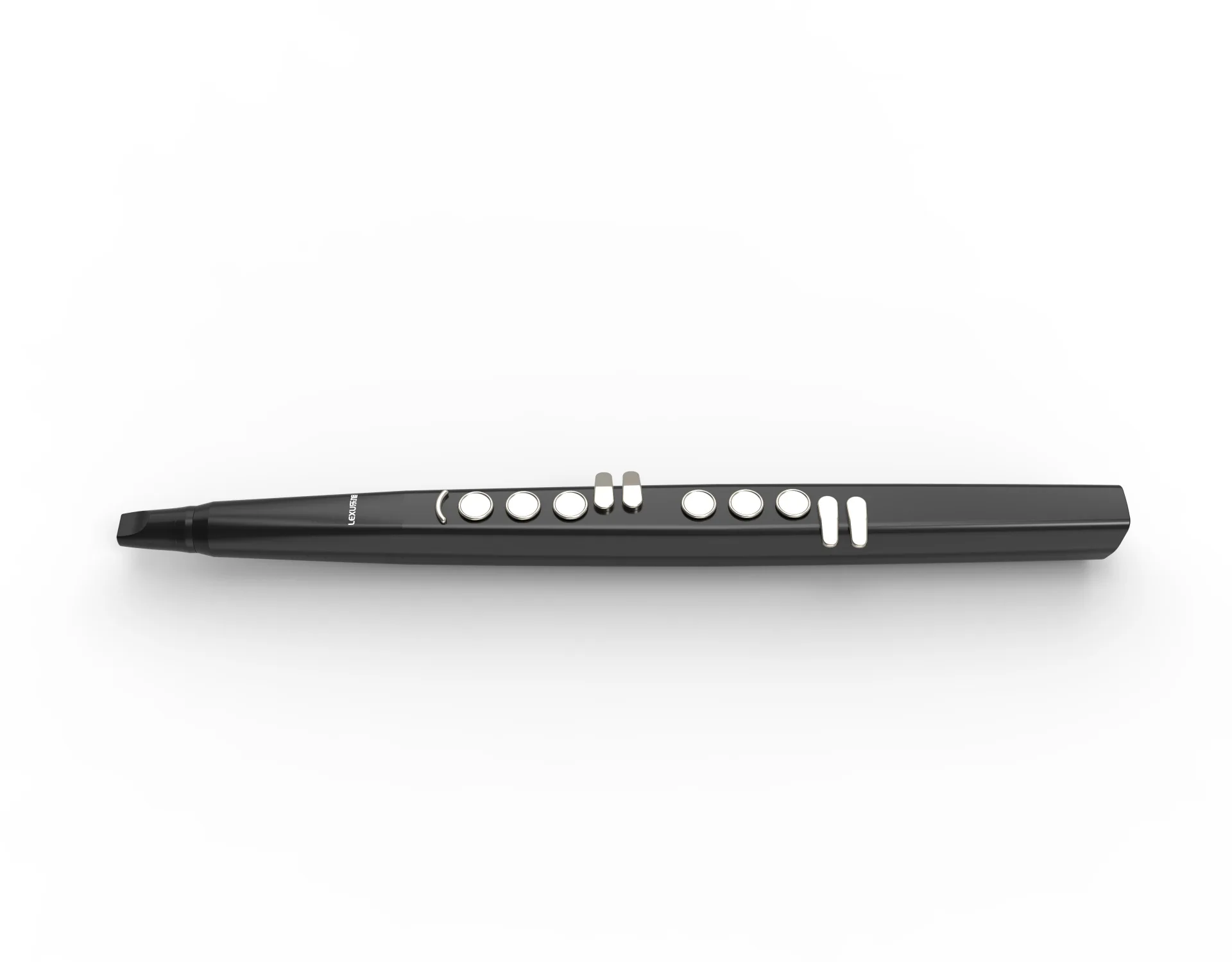
DC06 10 tones
1, Electronic Wind Instrument
2, 10 tones
3, Two fingerings(Saxophone,Flute)
4, 3 kinds of breath sensitivity can be adjusted
5, Transpose function:-12-+12
6,Vibrato:1-99
7,Detachable silicone mouthpiece
8,Bluetooth MIDI and Bluetooth audio
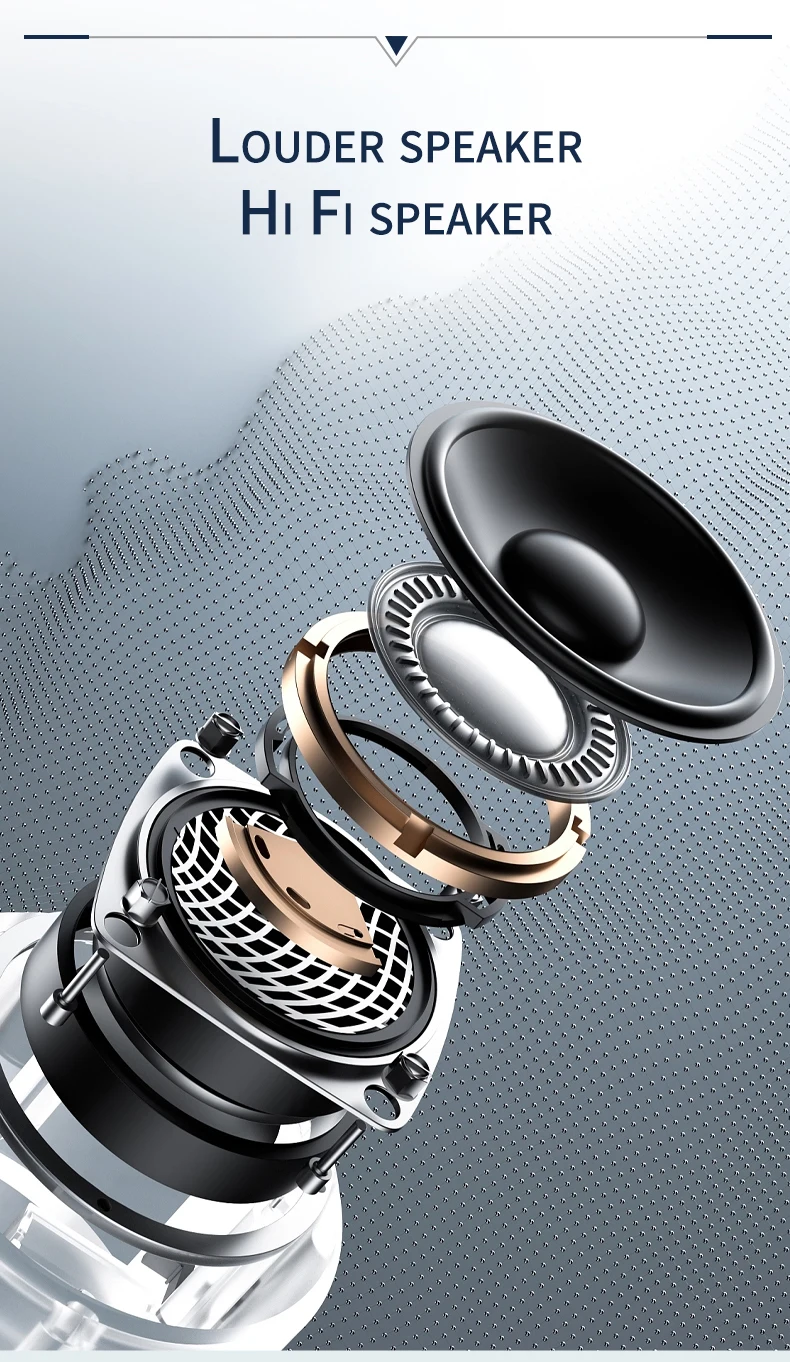
9,With built-in speaker and also support extranal headphone or loudspeaker
10,With built-in 800mAh Li-battery
11, Power supply by USB 5V (adapter include)
12, Certification: CE, RoHs
|
Material:
|
plastic
|
|
Color:
|
black or white
|
|
Output:
|
2W
|
|
Input:
|
DC5V/1000MA
|
|
Packing List
|
1 X Electronic wind instrument 1 X User Manual 1 X USB cable
|